Start with you.
Upload a clear photo, or explore with a sample. Your photos preview locally until you generate.
Same you, a whole new style. Pick a look, upload an outfit, or describe something entirely your own.
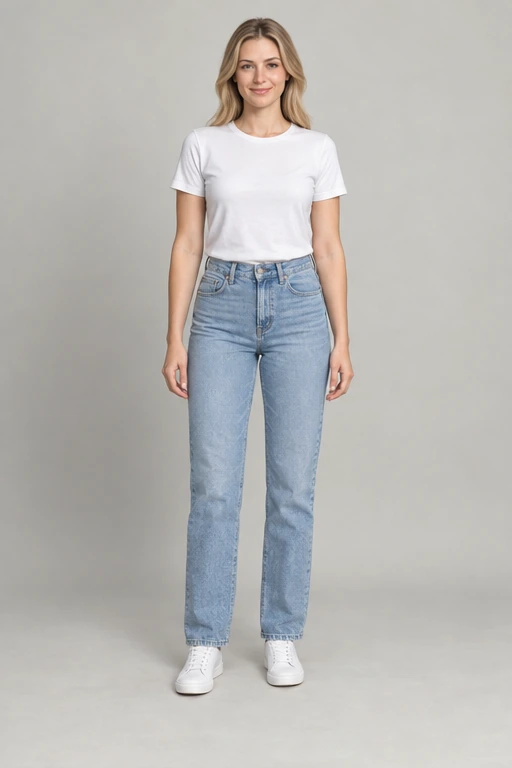 Before
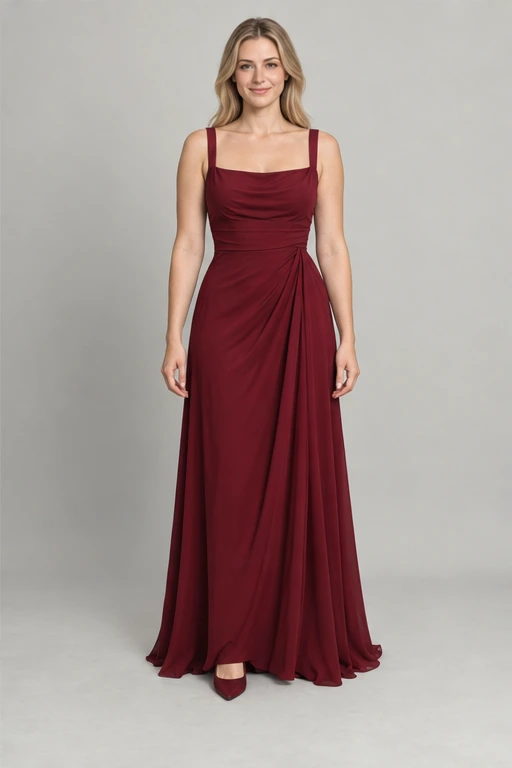 Sample look
32 women’s looks. 32 men’s looks. Endless inspiration.
Upload a clear photo, or explore with a sample. Your photos preview locally until you generate.
Browse 64 outfits, upload a reference, or explore 48 editable text styles. Make any look your own.
Generate your new outfit, compare it with your original, and download the result. Or explore a prepared sample.
The power of a perfectly tailored blazer.
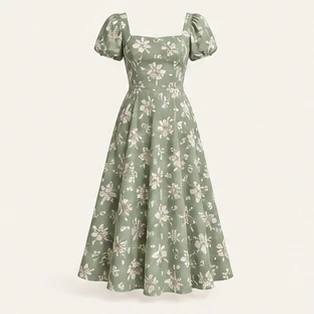
Easy florals. Effortlessly you.
Your everyday photo, all dressed up.
Find your next special-occasion look.
Prepared AI-created samples for inspiration.
From choosing a clear photo to saving your new look, explore what the studio can do and what to expect along the way.
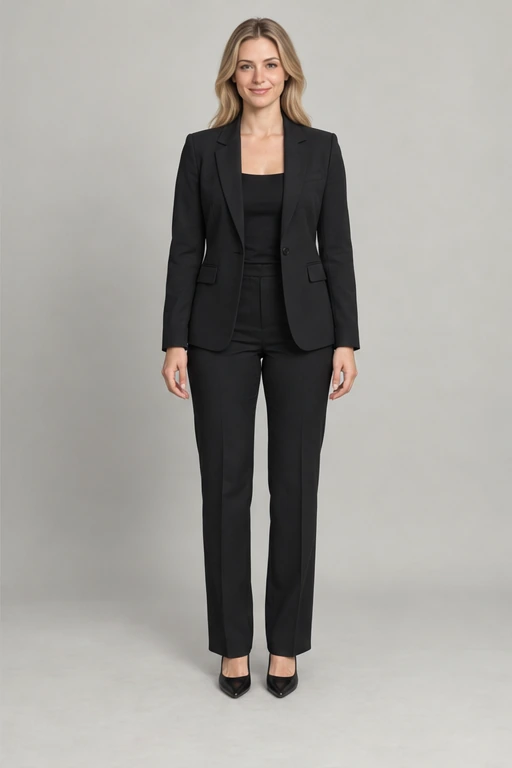
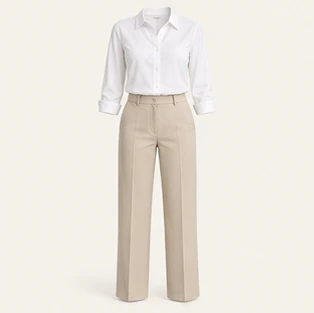
AI Clothes Changer Free helps you explore an outfit on a photo before deciding which direction to try. Start with your own picture or a fictional sample model, then choose a wardrobe look, upload clothing inspiration, or describe an outfit. The studio brings the original and result together for comparison. Use it to explore everyday combinations, dressier silhouettes, or a different color palette. Prepared examples show possibilities; they are clearly labeled and are not generated from your uploaded photo.
AI Clothes Changer Free has no paid plans or checkout in the current website. You can browse the wardrobe, explore prepared samples, and preview an uploaded photo without creating an account. Live generation is available when the service is configured and capacity permits; free access does not mean unlimited requests. If the studio is paused or busy, keep your photo selected and follow its status message. Never enter payment details in an advertisement to unlock a sample or download.
For AI Clothes Changer Free, choose a clear photo of one consenting adult with even lighting and visible clothing. A full-body photo gives the model information about trousers, dresses, and shoes, while an upper-body photo is useful for tops and jackets. Keep the head, hands, and outfit inside the frame, and avoid heavy filters or objects covering the body. The outfit studio accepts JPG, PNG, and WebP files up to 10 MB and checks that your image can be read.
AI Clothes Changer Free includes 64 wardrobe presets: 32 in the women’s collection and 32 in the men’s collection. Browse all looks to search by clothing details or filter by style. Everyday, business, summer, evening, streetwear, activewear, and outerwear give you different starting points. Select a preset to see its clothing reference beside your photo. The reference shows the outfit you requested, not a finished transformation. Generate a result when available, or explore a labeled prepared sample first.
Yes. AI Clothes Changer Free supports a separate reference alongside the person you want to dress. Choose Upload outfit, then indicate whether the picture shows clothing alone or someone wearing it. A clear product photo or an uncluttered outfit picture helps communicate shape, color, and fabric. Keep your own photo in the first upload area and the clothing reference in the second. You can replace either independently. Use images you are authorized to edit, and get consent from anyone depicted.
AI Clothes Changer Free also lets you describe clothing without finding a reference image. Open Text style and choose from 48 editable ideas, use Surprise me, or write your own description. Include the garment, material, color, and fit: for example, an ivory linen blazer over a white shirt with relaxed navy trousers. Keep instructions focused on the outfit rather than changing the person. You can edit an idea before submitting, so a preset becomes a starting point for your own combination.
AI Clothes Changer Free asks the image service to preserve the person’s identity, pose, and background while changing the outfit. That is a goal, not a guarantee of an identical face or perfectly unchanged details. Hair, hands, accessories, lighting, and proportions may vary. Compare the result with the original before using it, especially for a profile photo or public post. If a detail matters, start with a clearer source photo and a specific clothing request rather than assuming every detail will be preserved.
Choosing a photo in AI Clothes Changer Free creates a temporary local preview; selecting it alone does not send it for generation. Clicking Generate sends the relevant photo and outfit reference or description through the website server and Cloudflare backend to Artflow. The protected service also requires content review before public generation is enabled. There is no saved account gallery. Closing the page clears the browser preview but does not erase provider processing. Read the Privacy Policy before submitting personal or sensitive material.
AI Clothes Changer Free relies on a remote image service, so a request can take several minutes and may fail. Daily waiting, shared capacity, input checks, and provider availability can affect when a request starts. Keep the page open and avoid repeated submissions while it is working. If an error includes a request ID, share it with support so the attempt can be identified. A timeout does not prove the provider stopped processing; the studio does not automatically resend a failed generation.
AI Clothes Changer Free provides a comparison view and a single-result view so you can inspect the outfit before saving it. Download image saves the generated file to your device, while Download sample saves an existing, labeled demonstration. These are different actions: a sample is not evidence that your own photo has been edited. Save a result you want to keep before reloading or replacing it, because the studio does not provide a persistent personal gallery or a recoverable generation history.
AI Clothes Changer Free is designed for mobile, tablet, and desktop browsers. On a phone, choose a picture from your device, select an outfit, and scroll to the preview to compare results. A stable connection helps during uploads and generation. Keep the tab open until the result appears, then use the download control to save it. Browser download behavior varies, so check your downloads or files app. If a photo cannot be read, try exporting it as JPG, PNG, or WebP.
AI Clothes Changer Free creates visual inspiration, not body measurements or a fitting guarantee. A generated outfit cannot confirm a retailer’s sizing, fabric weight, stretch, comfort, or exact color. Use the preview to compare broad ideas such as a tailored jacket versus a relaxed shirt, then check product measurements and return policies before shopping. You remain responsible for permissions and how you share an image. For technical help, send the request ID and a brief description to help@aiclotheschangerfree.com without attaching private photos unnecessarily.